Development · 2026-02-14 · 8 min read
Internationalization and Placeholder Text (Multi-Language UX)

Software Engineer, architect, and systems designer
Software Engineer with over 10 years of industry experience, working across architecture and system design. Builds Lorem Genius under Ashika Labs.
Internationalization and Placeholder Text (Multi-Language UX)
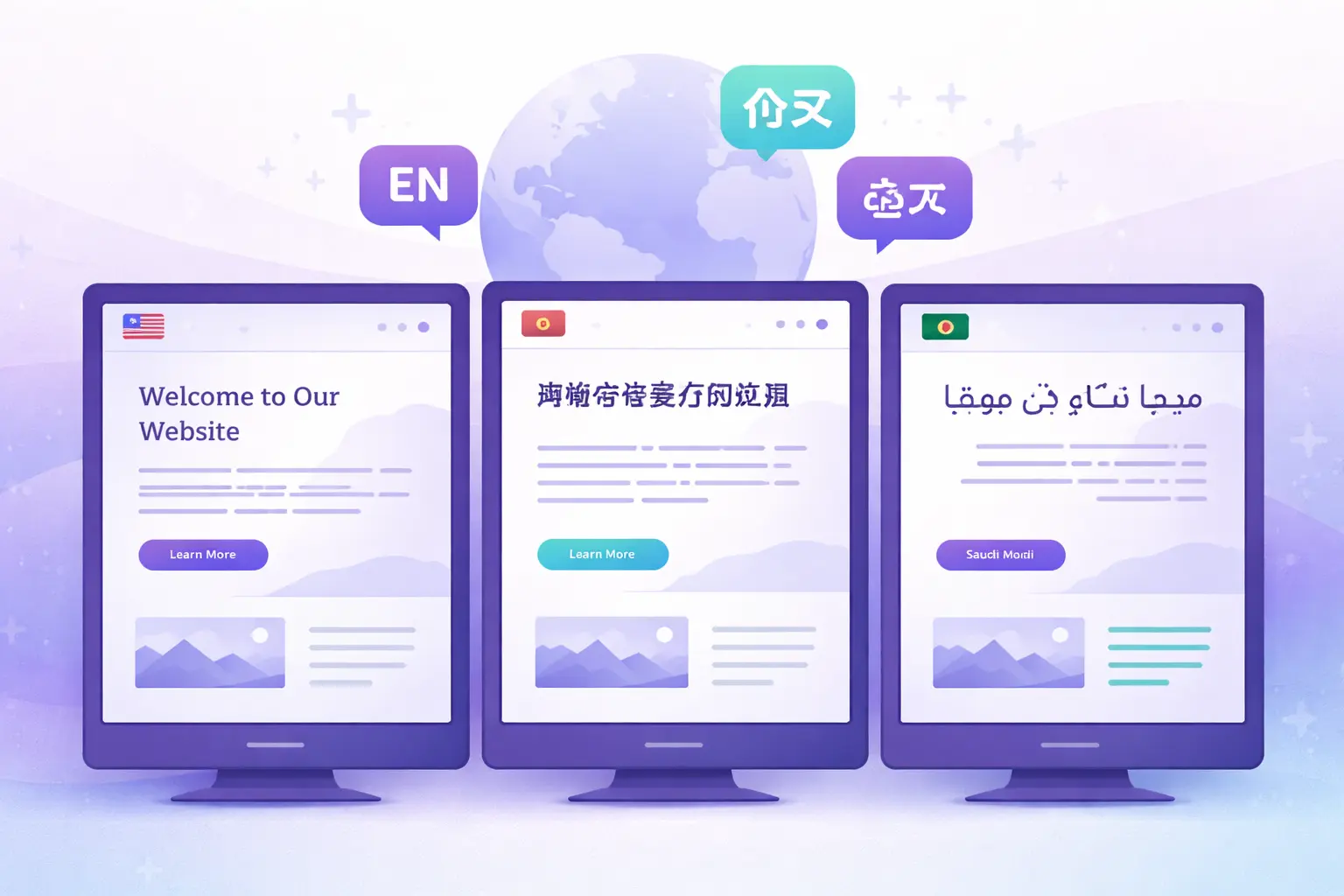
Designing for a global audience means designing for dozens of languages, each with its own character sets, text lengths, and reading directions. When your product will be translated, placeholder text takes on a whole new level of importance—it must help you anticipate and solve layout problems before they reach real users.
This guide covers how to use placeholder text strategically for internationalization (i18n) testing and multi-language UX design.
Why i18n Changes Everything About Placeholder Text
Standard Lorem Ipsum was designed to mimic English-like text distribution. But when your product supports German, Arabic, Japanese, or Thai, English-length placeholder text becomes dangerously misleading.
The Core Problem
| Language | Average Text Expansion vs. English |
|---|---|
| German | +30% longer |
| French | +20% longer |
| Finnish | +30-40% longer |
| Spanish | +25% longer |
| Chinese | 50-70% shorter (but taller) |
| Japanese | 40-60% shorter (but taller) |
| Arabic | +25% longer + RTL |
| Korean | 10-15% shorter |
A button that reads "Submit" in English becomes "Absenden" in German, "Soumettre" in French, and "送信する" in Japanese. Each has different width, height, and rendering characteristics.
If you only test with English-length Lorem Ipsum, you're designing for one language while shipping to many.
Text Expansion: The Silent Layout Breaker
Text expansion is the most common i18n layout issue. Here's how it manifests:
Where Expansion Breaks Layouts
- Navigation menus - Labels overflow or wrap unexpectedly
- Buttons - Text gets truncated or buttons grow too wide
- Table columns - Headers expand beyond column width
- Cards - Descriptions push content below the fold
- Tooltips - Text overflows the tooltip container
- Form labels - Labels misalign with input fields
Simulating Text Expansion
Use placeholder text that's deliberately longer than English to catch expansion issues early:
Strategy 1: Multiply by expansion factor
English:    "Save changes"         (12 chars)
German:     "Änderungen speichern" (21 chars) → ~75% longer
Test with:  "Save changes extra"   (18 chars) → +50% buffer
Strategy 2: Use pseudo-localization
Pseudo-localization transforms English text into accented versions that simulate expansion:
Original:   "Welcome to our platform"
Pseudo:     "[Ẃéĺĉöḿé ţö öûŕ ṕĺáţƒöŕḿ ţéẍţ ẍẍ]"
This approach:
- Preserves readability for testing
- Adds ~30% extra characters
- Uses accented characters to test font rendering
- Wraps in brackets to make placeholder text obvious
Strategy 3: Generate longer placeholder blocks
Use our UI Mockup generator to create placeholder text, then extend it by 30-40% to simulate worst-case expansion.
Expansion Testing Checklist
- All buttons tested at +40% text length
- Navigation labels tested at +30% length
- Table headers tested with longest expected translation
- Card descriptions tested at +30% length
- Form labels tested at +25% length
- Toast/notification messages tested at +30% length
Right-to-Left (RTL) Layout Challenges
Supporting Arabic, Hebrew, Persian, or Urdu means your entire layout must mirror. Placeholder text plays a crucial role in RTL testing.
What Changes in RTL
| Element | LTR (English) | RTL (Arabic) |
|---|---|---|
| Text alignment | Left | Right |
| Reading direction | Left → Right | Right → Left |
| Layout flow | Left → Right | Right → Left |
| Icons with direction | → arrows | ← arrows |
| Progress bars | Fill left to right | Fill right to left |
| Navigation | Left sidebar | Right sidebar |
RTL Placeholder Text Strategies
Option 1: Use actual Arabic/Hebrew placeholder text
Arabic Lorem Ipsum:
هذا النص هو مثال لنص يمكن أن يستبدل في نفس المساحة.
لقد تم توليد هذا النص من مولد النص العربي.
Option 2: Use bidirectional test strings
Mix LTR and RTL characters to test bidirectional (BiDi) handling:
"Product name المنتج v2.0"
"User محمد added 3 items"
Option 3: Mirror your existing Lorem Ipsum
Take your standard placeholder and reverse the visual flow to test layout mirroring.
RTL Testing Checklist
- Full page layout mirrors correctly
- Text alignment flips to right
- Icons with directional meaning are mirrored
- Navigation flows right-to-left
- Form layouts mirror properly
- Scrollbars appear on correct side
- Breadcrumbs read right-to-left
- Number formatting remains LTR within RTL context
CJK (Chinese, Japanese, Korean) Considerations
CJK languages present unique challenges that Latin-based Lorem Ipsum can't simulate.
Character Width and Height
CJK characters are typically:
- Full-width - Each character occupies a square space
- No word spacing - Characters flow without spaces
- Line breaks anywhere - Can break between any two characters
- Taller line heights - Require more vertical space
Impact on Design
English:  "Welcome to our platform"
Chinese:  "欢迎使用我们的平台"
Japanese: "プラットフォームへようこそ"
Korean:   "플랫폼에 오신 것을 환영합니다"
Notice how:
- Chinese is significantly shorter in character count
- But each character is wider, affecting horizontal layouts differently
- Line height needs increase for readability
CJK Testing Strategies
- Test with actual CJK text - Lorem Ipsum won't reveal CJK issues
- Increase line height - Test with 1.6-1.8 for CJK content
- Check font fallbacks - Ensure CJK fonts load correctly
- Verify text wrapping - CJK doesn't wrap at word boundaries
- Test vertical text - Some CJK contexts use vertical writing
Localization Testing with Placeholder Text
The Testing Matrix
For thorough i18n testing, use placeholder text across these dimensions:
| Dimension | What to Test | Placeholder Approach |
|---|---|---|
| Length | Text expansion/contraction | Extended Lorem Ipsum (+30-40%) |
| Direction | RTL layout support | Arabic/Hebrew placeholder text |
| Characters | Font rendering, encoding | CJK, Cyrillic, Thai placeholder |
| Format | Numbers, dates, currencies | Localized format strings |
| Wrapping | Line break behavior | Long unbroken strings |
Language-Specific Test Cases
German (Text Expansion)
English:  "Settings"
German:   "Einstellungen"
Test:     Use 13+ character labels for all settings-type UI
Arabic (RTL + Expansion)
English:  "Search results"
Arabic:   "نتائج البحث"
Test:     Mirror layout + test with Arabic placeholder text
Japanese (Character Width)
English:  "Click here to learn more"
Japanese: "詳細はこちらをクリック"
Test:     Fewer characters but wider rendering
Thai (No Word Boundaries)
English:  "Welcome to our website"
Thai:     "ยินดีต้อนรับสู่เว็บไซต์ของเรา"
Test:     No spaces between words; line breaking is complex
Multi-Language Placeholder Text Strategies
Strategy 1: Language-Specific Generators
Generate placeholder text in the target language rather than using Latin-based Lorem Ipsum.
Our generator supports multiple languages including Latin, English, Spanish, French, and German—helping you test with language-appropriate placeholder content.
Strategy 2: Expansion Multipliers
Apply multipliers to your English placeholder text:
function expandText(text, factor = 1.3) {
  const words = text.split(' ');
  const extraWords = Math.ceil(words.length * (factor - 1));
  // Add filler words to simulate expansion
  return text + ' ' + generateFiller(extraWords);
}

// Usage
expandText("Save your changes", 1.4); // Simulates 40% expansion
Strategy 3: Content Token Variants
Create i18n-aware content tokens for your design system:
{
  "button": {
    "submit": {
      "en": "Submit",
      "de": "Absenden",
      "fr": "Soumettre",
      "ja": "送信",
      "ar": "إرسال",
      "test-expanded": "Submit Application Form"
    }
  }
}
Strategy 4: Pseudo-Localization Pipeline
Automate pseudo-localization in your build process:
function pseudoLocalize(text) {
  const charMap = {
    'a': 'á', 'e': 'é', 'i': 'í', 'o': 'ö', 'u': 'ü',
    'c': 'ĉ', 'n': 'ñ', 's': 'ŝ', 'z': 'ź'
  };

  let result = '[';
  for (const char of text) {
    result += charMap[char.toLowerCase()] || char;
  }
  // Add ~30% padding for expansion simulation
  const padding = '~'.repeat(Math.ceil(text.length * 0.3));
  return result + ' ' + padding + ']';
}

pseudoLocalize("Save changes");
// → "[Ŝávé ĉháñgéŝ ~~~~ ]"
Common i18n Mistakes with Placeholder Text
1. English-Only Testing
Problem: Designs tested only with English Lorem Ipsum break in other languages. Solution: Always test with expanded text and at least one RTL language.
2. Fixed-Width Containers
Problem: Containers with fixed widths truncate translated text. Solution: Use flexible layouts. Test with +40% content to find constraints.
3. Concatenated Strings
Problem: Building sentences by joining translated fragments creates grammatical errors.
// ❌ Bad: Word order differs across languages
`${greeting} ${name}, ${welcomeMessage}`

// ✅ Good: Use full template strings per language
i18n.t('welcome_message', { name: userName })
4. Hardcoded Formatting
Problem: Date, number, and currency formats differ by locale.
US:     $1,234.56  |  01/15/2026  |  1,000 items
German: 1.234,56 € |  15.01.2026  |  1.000 Stück
Japan:  ¥1,234     |  2026/01/15  |  1,000個
5. Ignoring Vertical Space
Problem: Translated text may require more vertical space. Solution: Test with line heights of 1.6-1.8 for CJK languages.
Practical Workflow for i18n Placeholder Testing
Phase 1: Design (Use Expanded Placeholder Text)
- Generate standard placeholder with our Landing Page or UI Mockup generators
- Extend all text by 30-40% for expansion testing
- Verify layouts accommodate longer content
- Document max character limits per component
Phase 2: Development (Implement Flexible Layouts)
- Use CSS that handles variable text lengths
- Implement text truncation with proper fallbacks
- Add pseudo-localization to development builds
- Test with RTL stylesheets
Phase 3: QA (Test with Real Translations)
- Replace placeholder with actual translations
- Verify every language passes visual QA
- Test bidirectional content mixing
- Validate character encoding across browsers
Phase 4: Ongoing (Monitor Post-Launch)
- Capture screenshot diffs for each locale
- Monitor for truncation issues in production
- Update placeholder tokens as new languages are added
Conclusion
Internationalization makes placeholder text more important, not less. Standard Lorem Ipsum hides the layout problems that surface when real translations arrive. By testing with expanded text, RTL layouts, and CJK characters during the design phase, you prevent expensive rework after launch.
Key takeaways:
- Always test with expansion - Add 30-40% to English text lengths
- Test RTL early - Layout mirroring requires structural changes
- CJK needs special attention - Different character widths and line heights
- Automate where possible - Pseudo-localization catches issues in development
- Use language-specific generators - Latin Lorem Ipsum doesn't test i18n
Your placeholder text strategy should reflect your product's global ambitions. Design for the world, and your layouts will thank you.